Connect Aircall
Connect Aircall: the contact shows as soon as you pick up, the call is transcribed and becomes an inquiry in "Inquiries".
Aktualisiert am
Many inquiries still arrive by phone, and end up on a sticky note. The client's name, the date, the guest count: everything depends on what the person on the line wrote down.
With Aircall connected, every inbound call is transcribed, AI extracts the useful details (dates, guests, budget, requirements) and creates an inquiry in "Inquiries". During the call, a panel shows the contact and their records as soon as you pick up.
What you'll learn
- Connect Aircall to your workspace.
- Set the capture preferences.
- Use the call panel and find the transcript.
Prerequisites
- An owner or admin role in Joinways.
- An Aircall account with admin rights, to authorize Joinways.
1. Connect Aircall
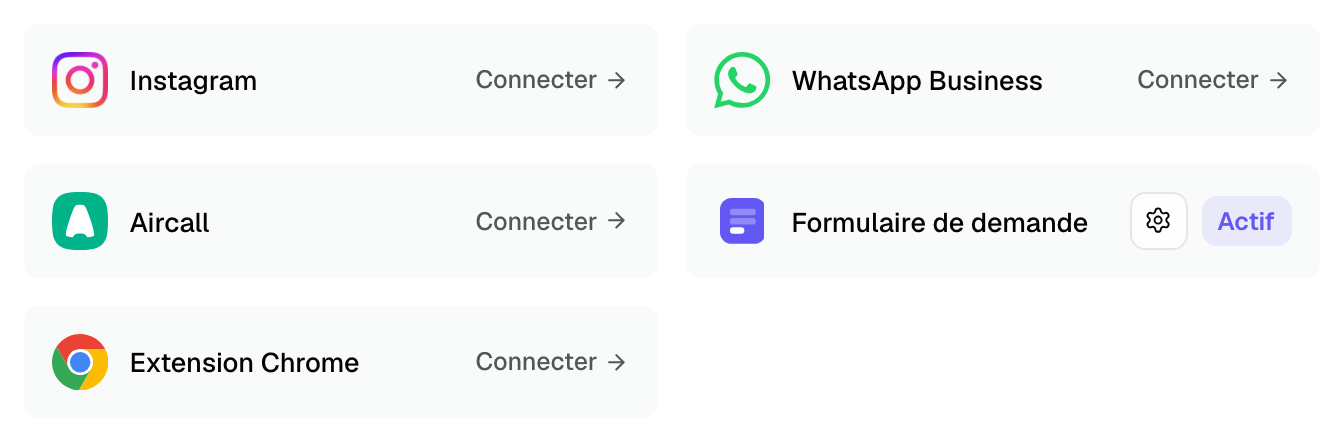
- Go to "Settings" > "Integrations", "Sources" tab.
- Click the "Aircall" card. You are redirected to Aircall.
- Sign in and authorize Joinways.
- Back in Joinways, the message "Aircall connected. Calls will be captured automatically." appears and the "Aircall settings" window opens.
If the card shows the "Webhook needs attention" badge, the technical link failed and calls are not captured: disconnect and reconnect Aircall.
2. Set the capture preferences
The "Aircall settings" window also opens from the card. "Capture preferences" section:
- "Automatically create a lead after each call" (on by default): AI reads the transcript and creates an inquiry if the call is one.
- "Show the call panel once a call is answered" (on by default).
- "Also transcribe outbound calls" (off by default): otherwise, only inbound calls are processed.
- "Data region": European Union or United States. Transcripts are stored in the European Union (Paris); transcription and extraction run with the sub-processors listed in the terms of service.
Aircall agents are matched to Joinways members by email. "Manual agent mapping (advanced)" is only there to force a specific match.
3. During the call: the panel
As soon as you answer an inbound call, a panel opens at the bottom right. If the number is known, it shows the contact and their company, with "Open event" or "Open lead". Otherwise, "Create contact" picks up the number.
The "Quick notes" area ("Type while you talk…") saves itself and shows later on the event or the inquiry.
4. After the call: transcript and inquiry
- The recording is transcribed, with language detection.
- AI extracts the client, email, dates, guest count, budget and requirements.
- If it is an inquiry, it is created in "Inquiries" with a score and a summary, and the panel shows "Lead updated from transcript".
- Otherwise (vendor, internal call, cold call), the panel shows "Filed (not a lead)". The transcript is kept.
On the inquiry, the "Call transcript" section offers the audio player, clickable passages and markers showing where each detail was said. See Transcribe and summarize your calls with AI.
Troubleshooting
"Webhook needs attention" badge
Cause: Aircall is connected, but the call subscription failed. Solution: disconnect Aircall from "Aircall settings", then reconnect it.
A call did not create an inquiry
Cause: AI classified it otherwise (the reason shows in the panel), "Automatically create a lead after each call" is off, or the monthly inquiry quota is reached. Solution: check the setting and the "AI Request Quota" card at the bottom of the "Sources" tab.
"No Aircall users yet."
Cause: your agents have not signed in to Aircall yet. Solution: they will appear after their first sign-in.
Frequently asked questions
Are outbound calls transcribed?
Not by default. Turn on "Also transcribe outbound calls" in "Aircall settings".
What happens to history if I disconnect Aircall?
Existing transcripts are kept. Only later calls stop being captured.
Where do I find a client's calls?
On the related event and inquiry, with their transcript.
See also
Testen Sie es 30 Tage lang mit Ihren nächsten Anfragen, ohne Kreditkarte.